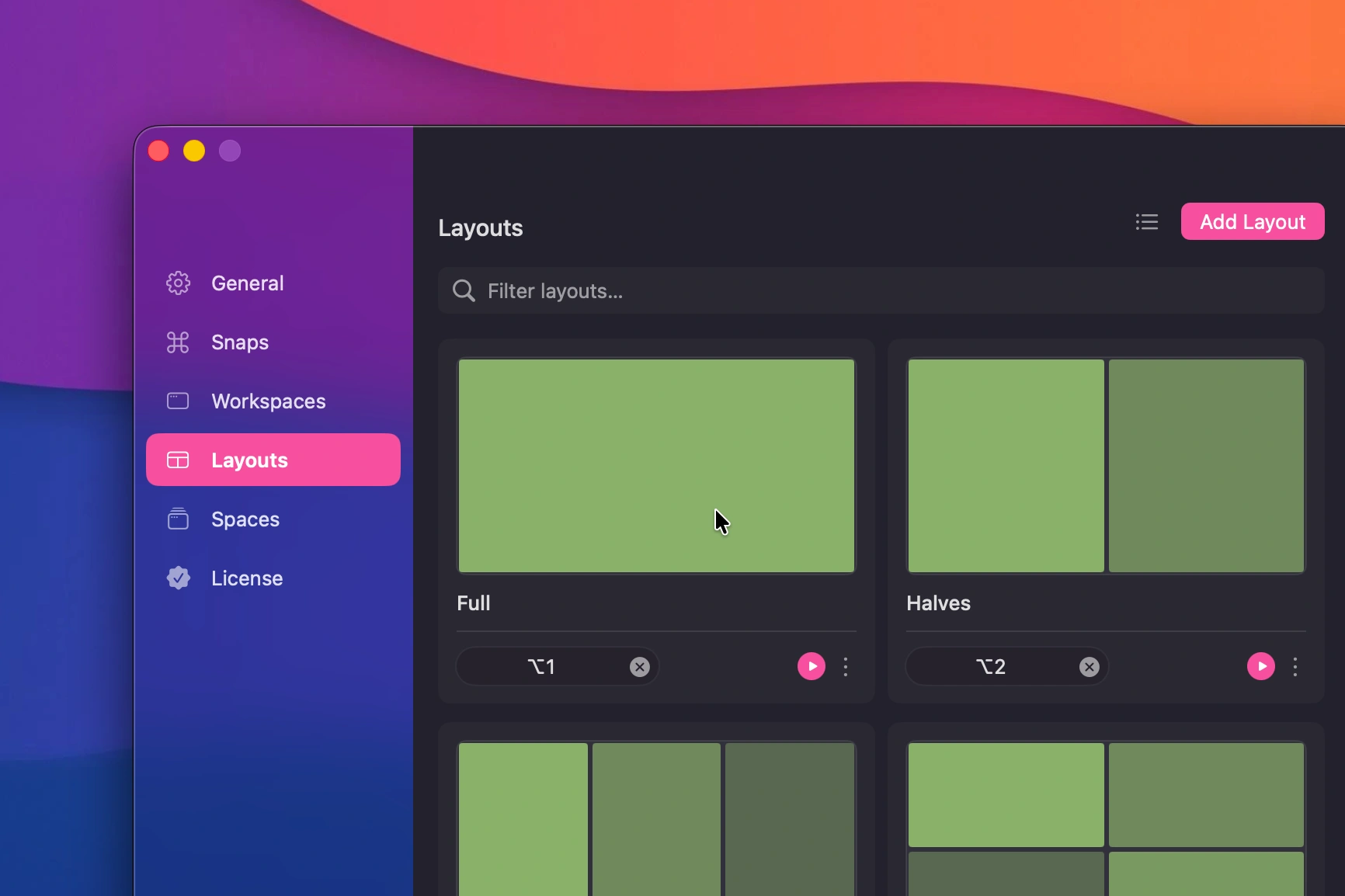
Every layout, one shortcut away
Halves, thirds, quarters, two-thirds, fullscreen, almost-maximize. Pick one, press the keys, done.
a window manager for macOS
macOS 12.4+ · Free to download

Save once. Restore everything.One shortcut and every app, window and display snaps back to exactly where it was.
macOS still thinks window management means a green button. Snapback lives in your menu bar and fixes that: halves, thirds, quarters and almost-maximize on a shortcut, drag-to-snap when the mouse is closer, and whole workspaces, every app, every window, every display, saved and restored in one keystroke.
Halves, thirds, quarters, two-thirds, fullscreen, almost-maximize. Pick one, press the keys, done.
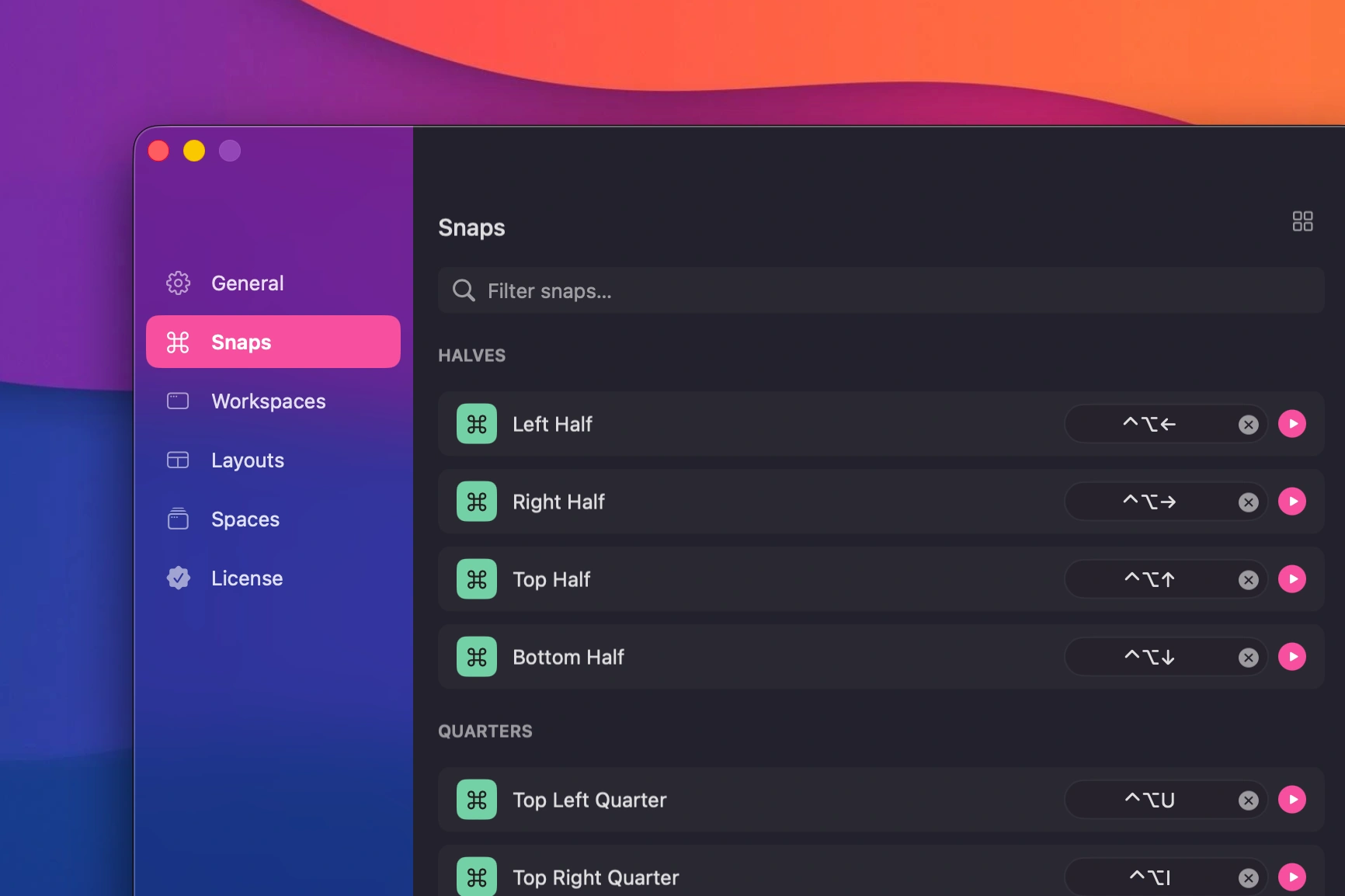
Every snap gets a global shortcut, and every shortcut can be rebound. Bring your muscle memory.
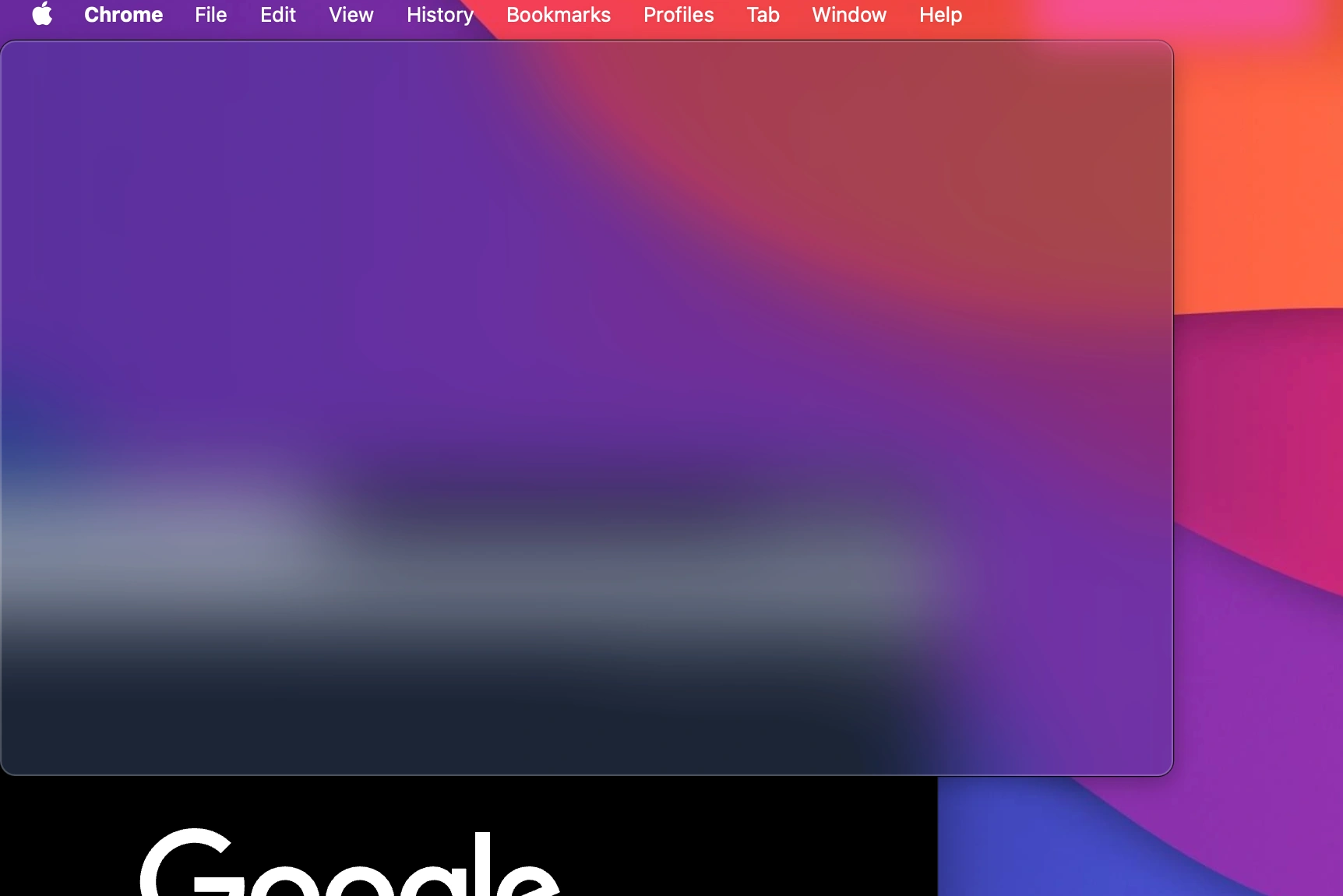
Hold ⌘, fling a window at an edge, and watch it land exactly where the preview said it would.
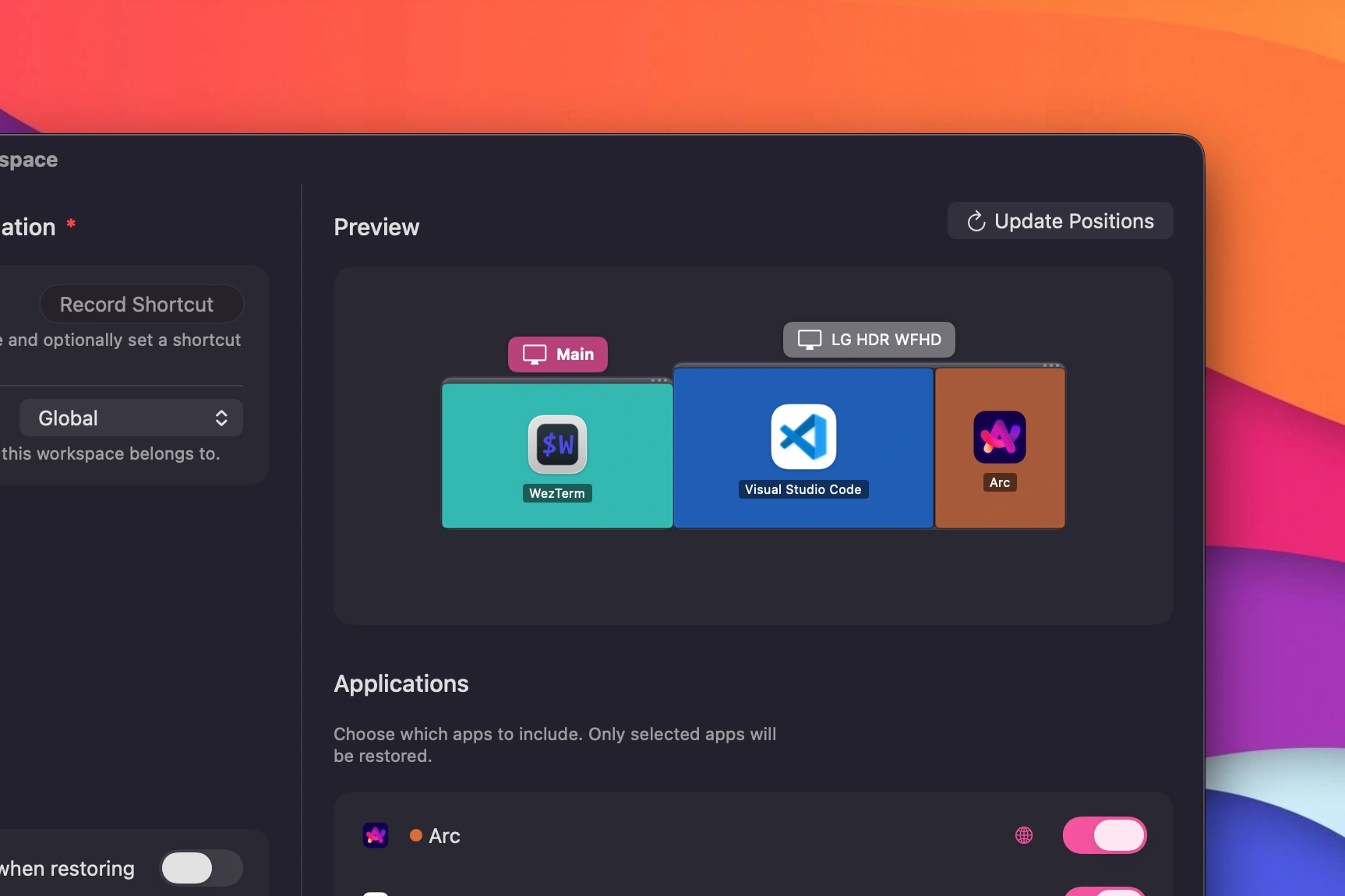
Built for multi-monitor desks. Windows move between displays like they know where they're going.
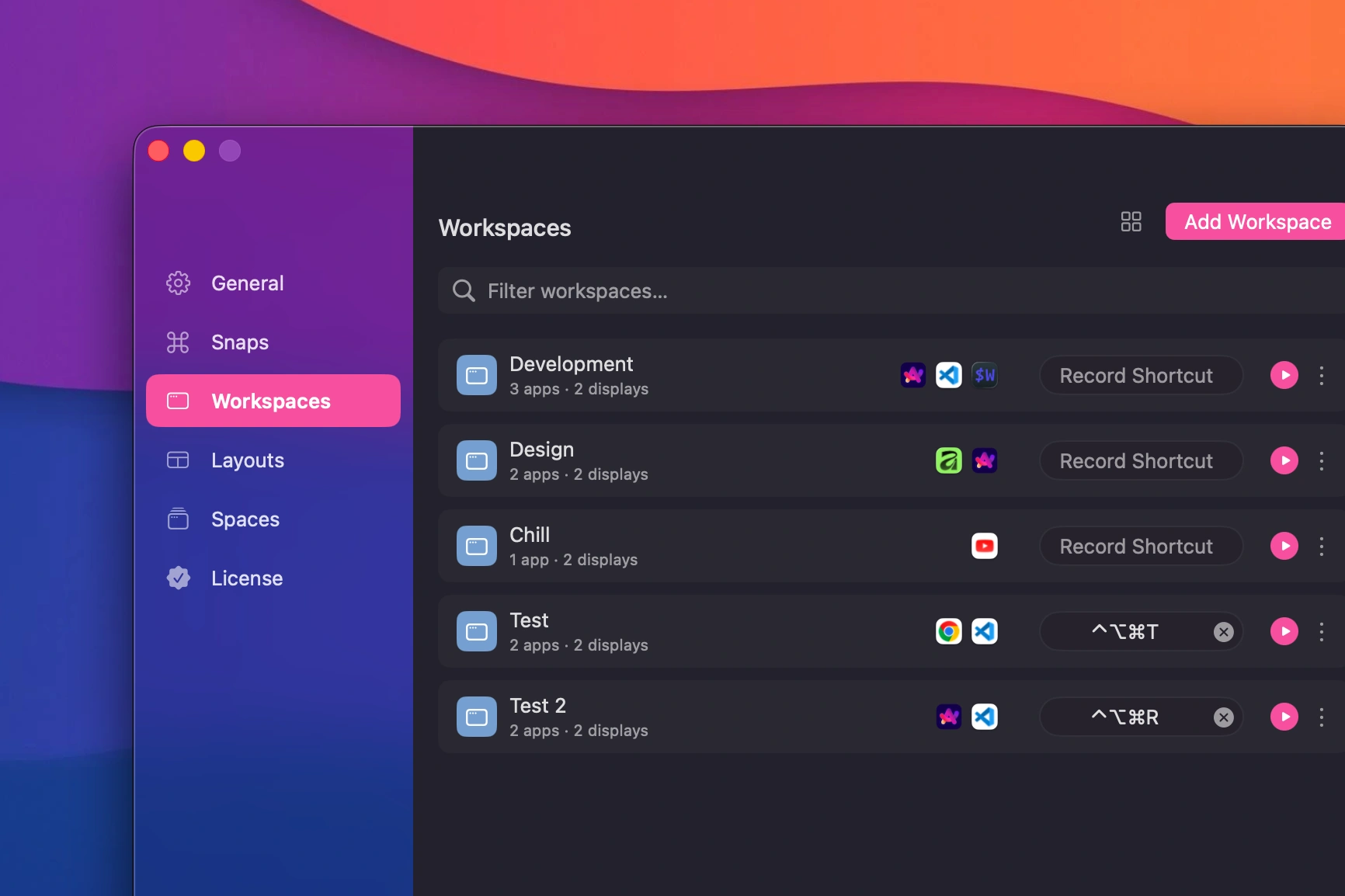
Positions, apps, monitors, even fullscreen state. Save it once, bring it all back with one shortcut.
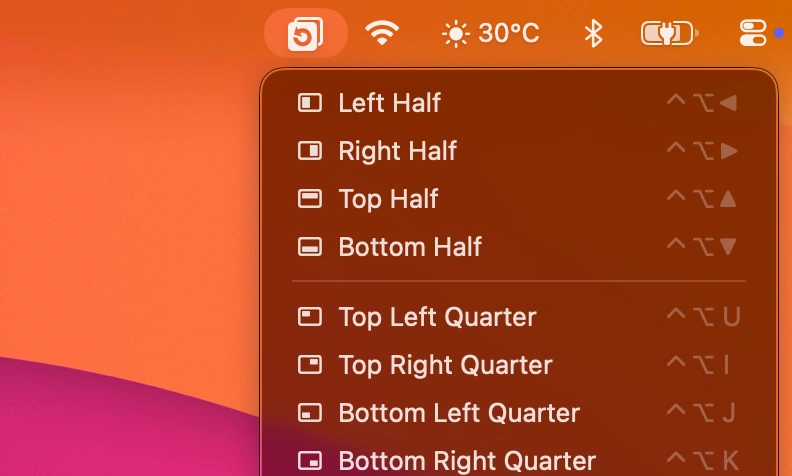
Every snap one click away, with its shortcut printed next to it for when you're ready to go keyboard-only.
Small, quiet toasts tell you what just happened to your windows and workspaces.
$0
The core app, free to download. Pro is there if you want more.
$9.99one-time