 Snapback5 min read
Why Snapback Has a Free and a Pro Version
Snapback's core window management is free, always. Here is what Pro adds, why the split exists, and how to pick the right version for you.
The Short Answer
Snapback is free because it is the tool I built for myself first. Window snapping, workspace saving, layout restoration, and multi-display support. All of it is free, no account required. The Pro version adds power-user features for people who want deeper customization and automation. Neither version tracks you or phones home.
What Is Free
Everything you need to manage your windows effectively.
Window Snapping
Snap any window to halves, thirds, or quarters with a keyboard shortcut. Or hold Command and drag to the edges.
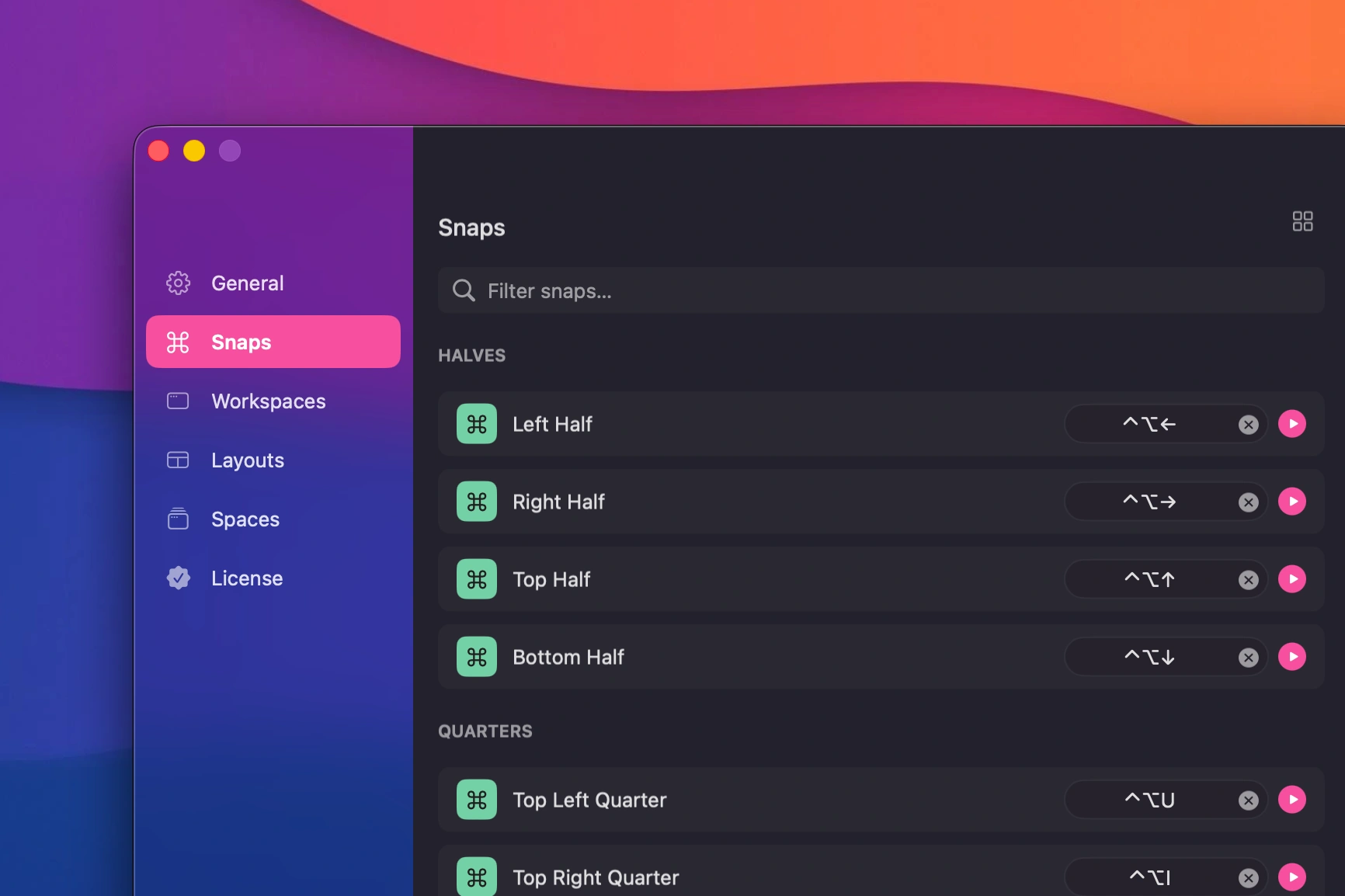 Drag a window to snap it into place
Layouts
Predefined grids that arrange every open window at once. Pick halves, thirds, or quarters and everything jumps into place.
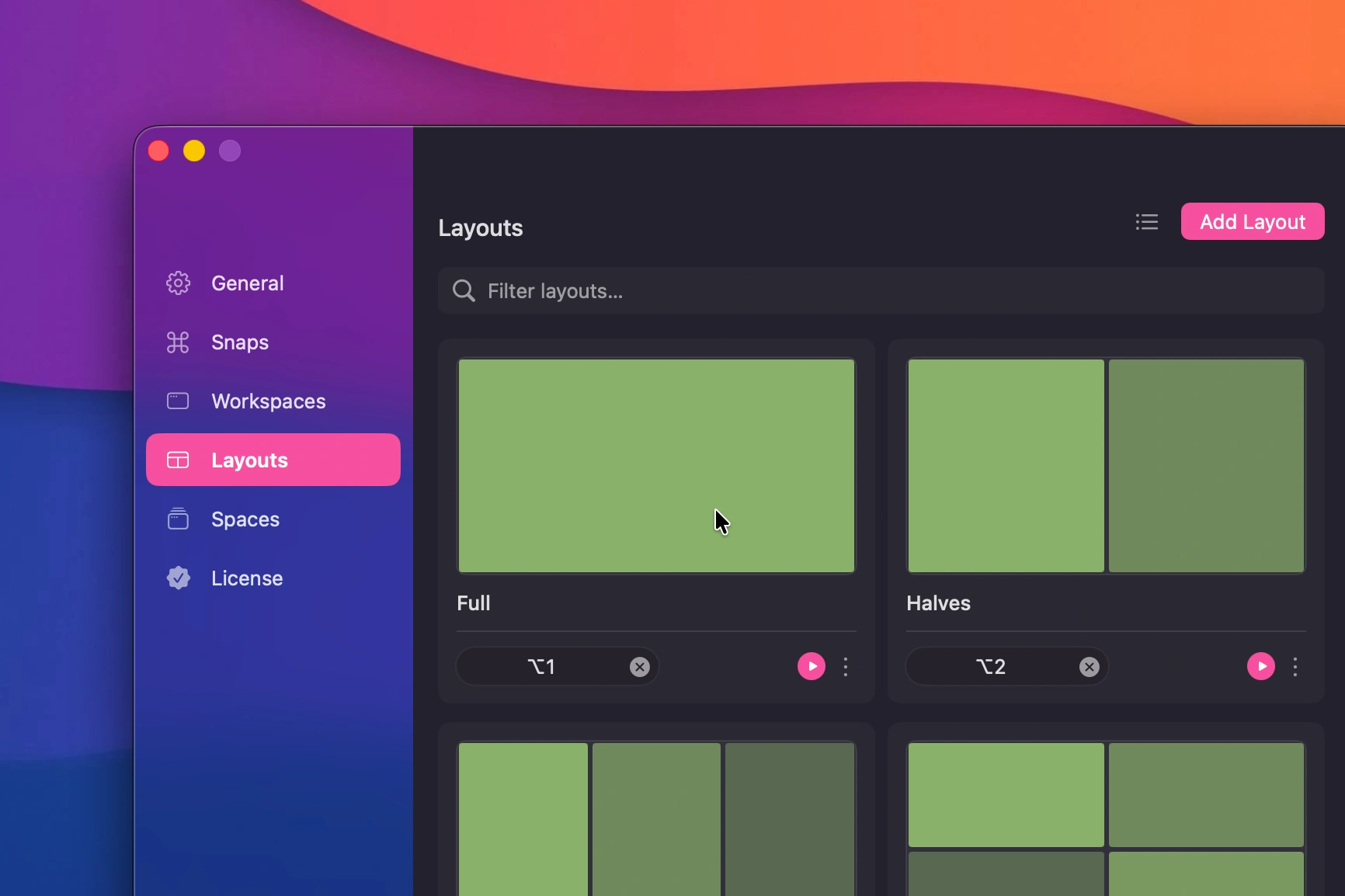 Predefined window layouts
Workspaces
Save a full snapshot of your Mac. Every window on every display. Bring it back with one keystroke. Create unlimited named workspaces for coding, meetings, design, or whatever you do.
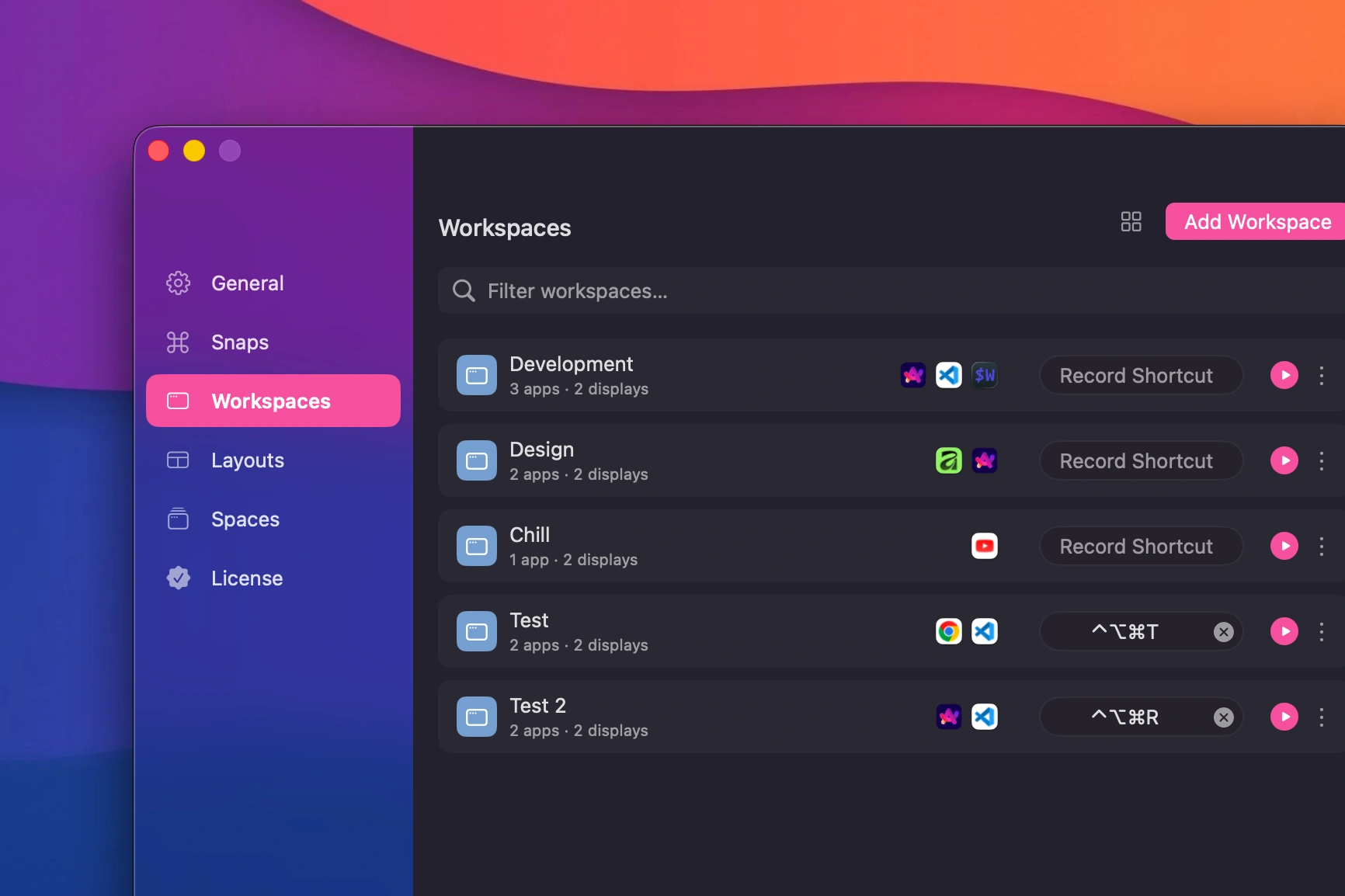 Saved workspaces with multiple configurations
New to workspaces? There is a full workspaces walkthrough in the Help Center.
Multi-Display Support
Works across up to six displays. Plug or unplug a monitor and your layouts adjust automatically. See the multi-display FAQ for details.
Restore
One shortcut saves everything. One shortcut brings it all back.
This is the complete version of Snapback that launched the app. It is not a trial. It is not a limited demo. It is the full window manager.
Why Pro Exists
After the free version launched, a few patterns emerged from user feedback:
Some people wanted more control. Custom layouts instead of just the defaults. The ability to organize workspaces into separate groups. Fine-grained settings that go beyond what most users need.
Some people wanted more automation. Smart launchers that open a specific folder, navigate to a URL, or run a terminal command when a workspace is restored. A command palette so you never have to remember a shortcut.
Some people just wanted to support the work. Not everyone needs the extra features, but some users asked for a way to contribute.
Pro is the answer to all three. It keeps the free version focused and simple while giving power users the tools they want.
What Pro Adds
Quick Command Palette
Run any Snapback command without remembering keyboard shortcuts. Search, filter, and execute. Like Raycast, but built into the app.
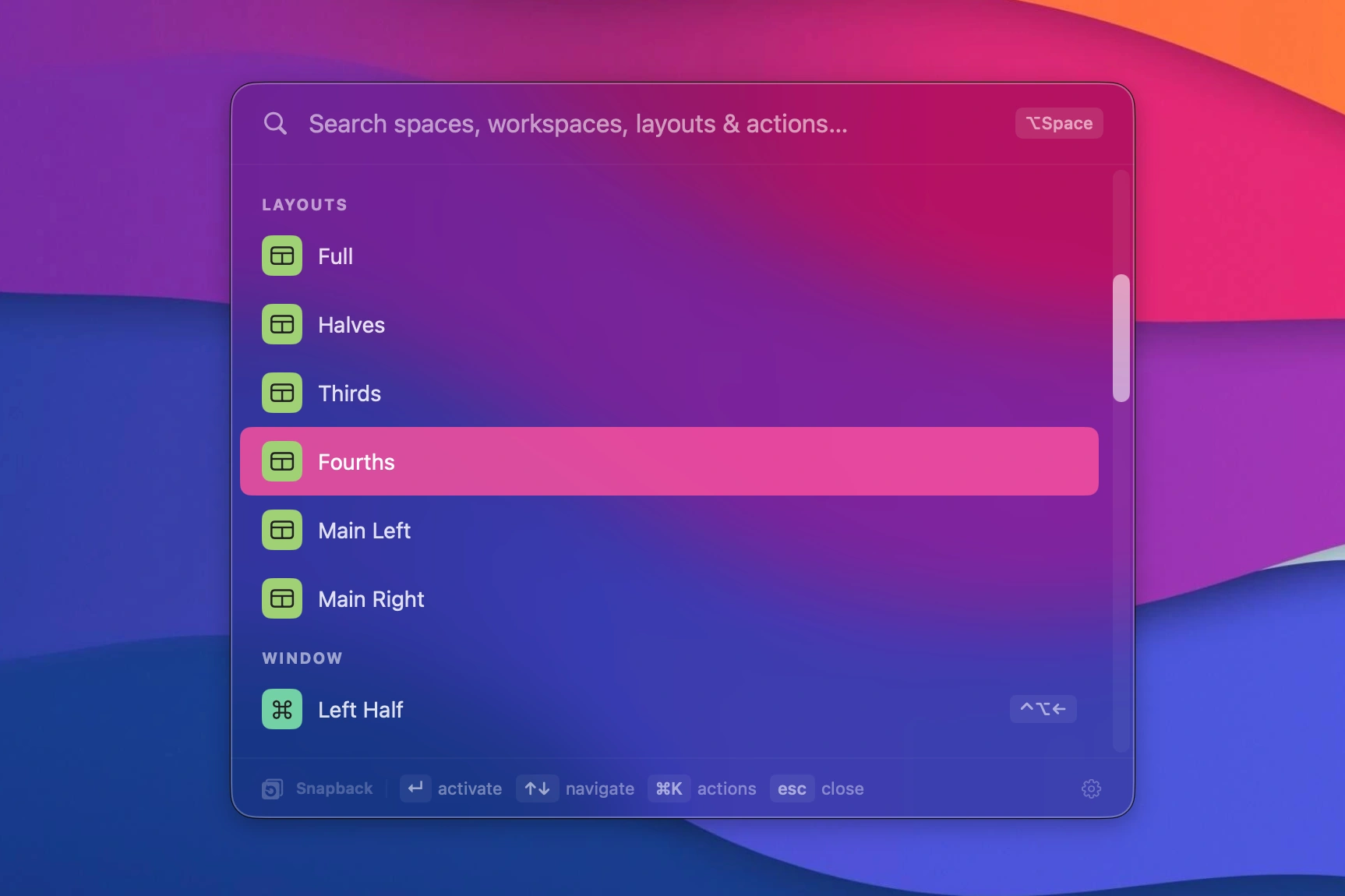 Command palette in action
Spaces
Organize your workspaces and layouts into separate groups. Not to be confused with macOS Spaces. Snapback Spaces are groups inside the app that let you keep different sets of workspaces and layouts separate. Each Space shows only what belongs to it. Keyboard shortcuts are tied to the active Space, so you can reuse the same shortcuts across different contexts. Workspaces and layouts can also be marked as global to appear everywhere.
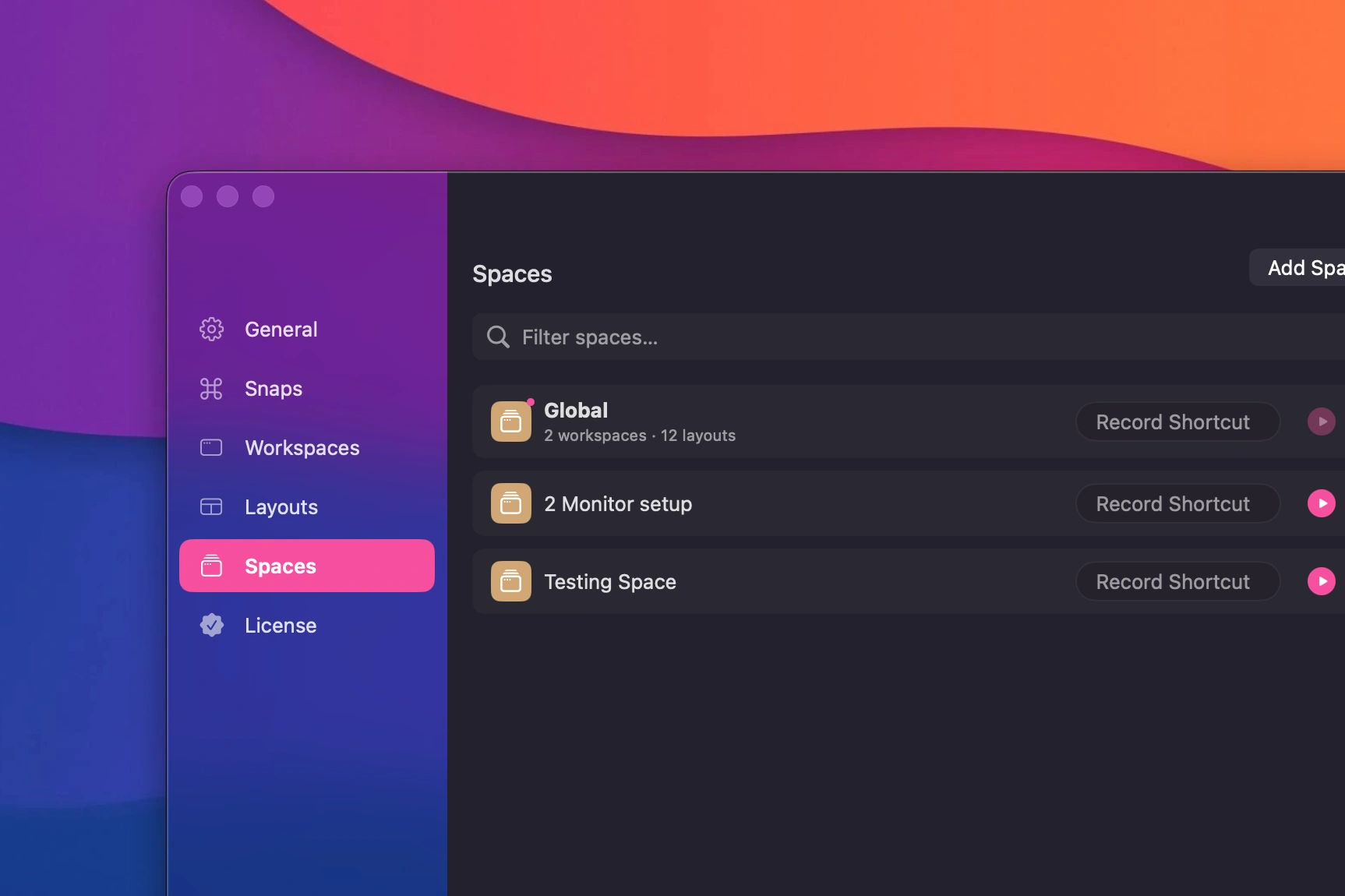 Multiple Spaces with different workspace sets
Smart Launchers
Smart launchers are deeplinks that run on workspace restoration. Attach a folder, a URL, or a terminal command to any workspace and it opens automatically when you restore that workspace.
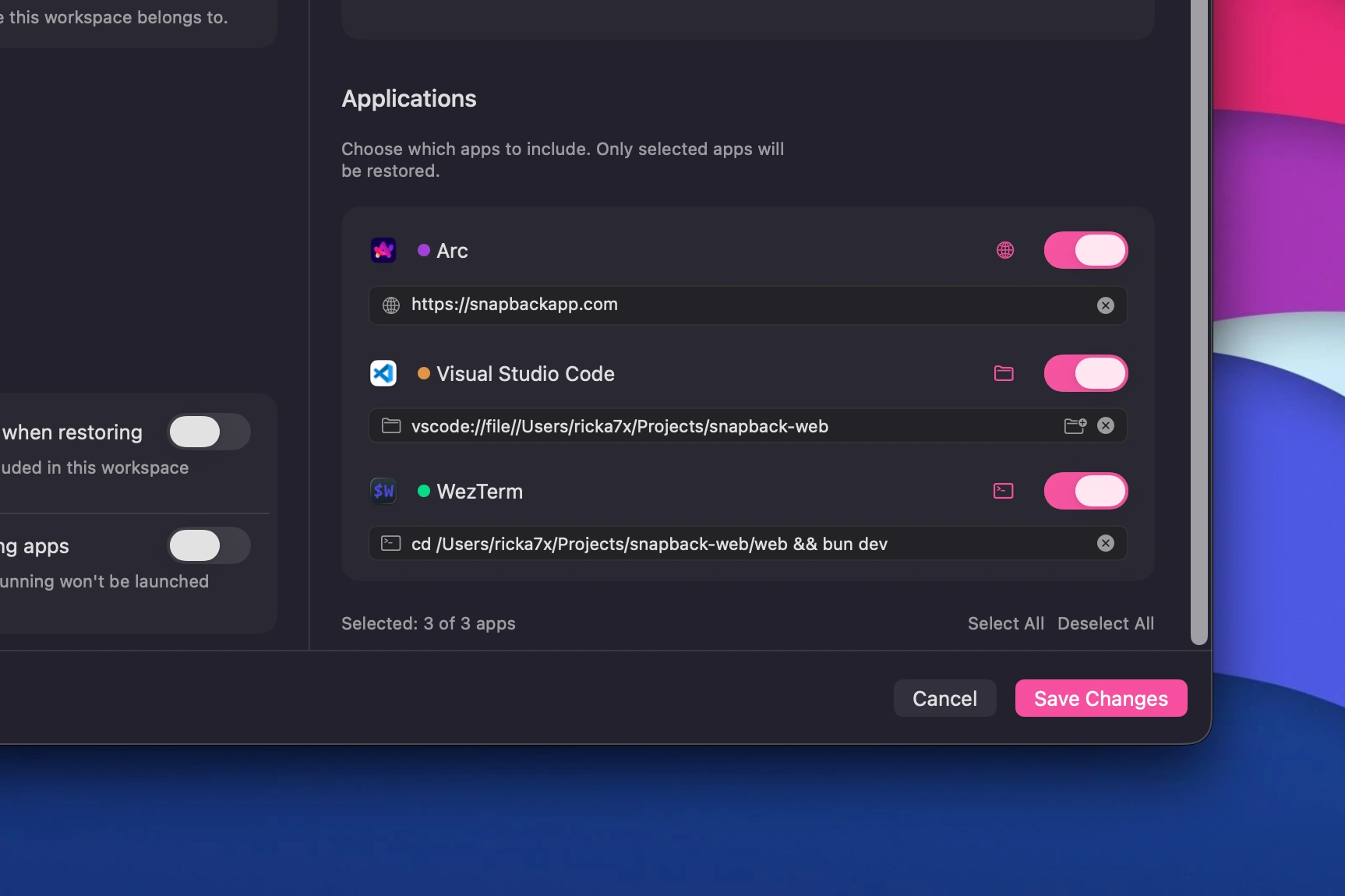 Deeplink configuration
Custom Layouts
Create and name your own window arrangements beyond the built-in defaults. Define exactly how many windows, where they go, and what size they should be.
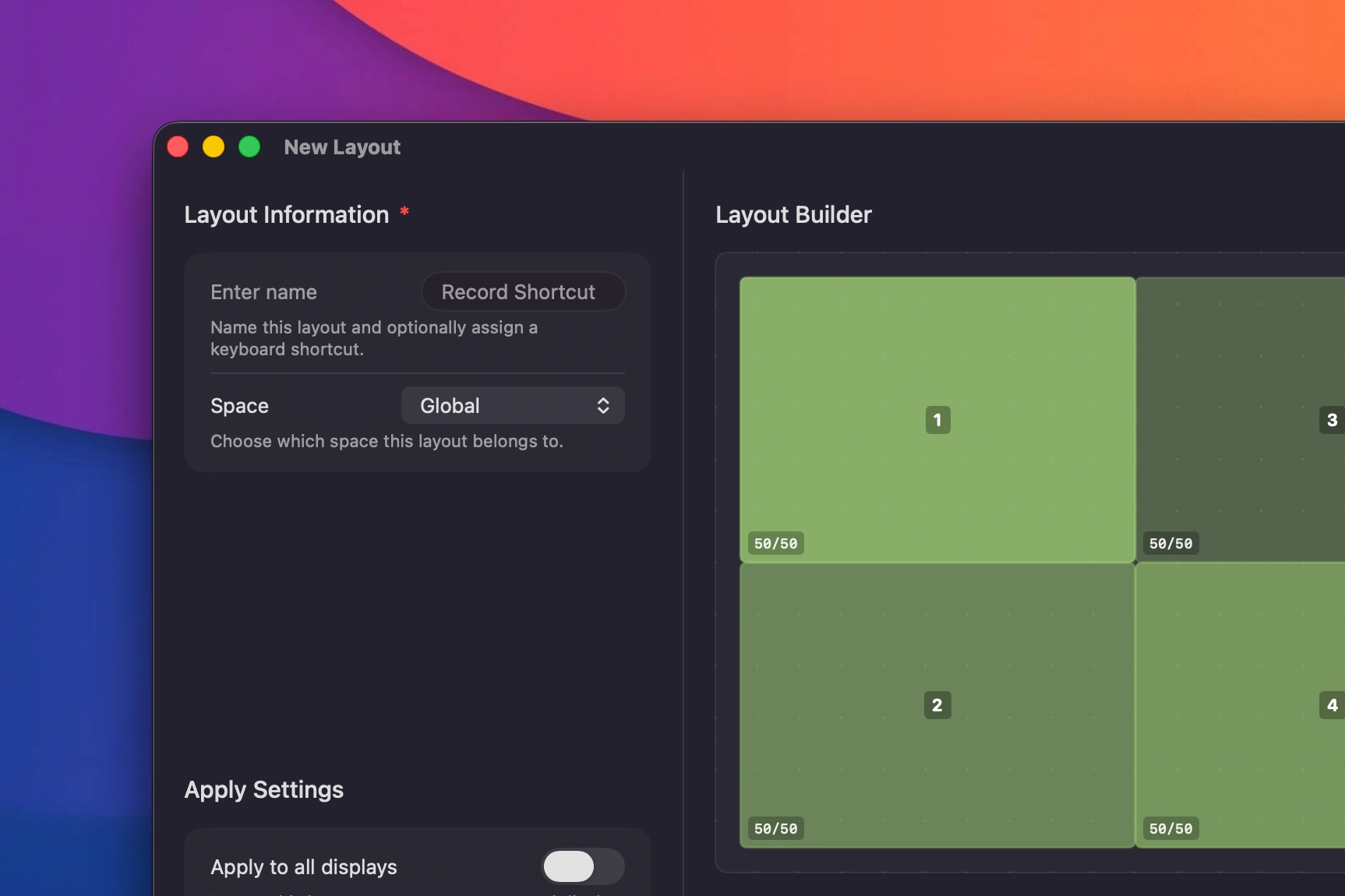 Custom layout editor
Priority Support
Pro users get priority on feature requests and bug fixes. Your feedback shapes what comes next.
How to Decide
Stick with Free if:
- You want window snapping and workspace management
- You use the built-in layouts (halves, thirds, quarters)
- You do not need automation or custom arrangements
- You just want a reliable window manager that works
Upgrade to Pro if:
- You want a command palette for quick access
- You need custom layouts beyond the defaults
- You want to organize workspaces into Spaces
- You want smart launchers to open folders, URLs, or commands on workspace restore
- You want to support ongoing development
The Philosophy
The free version is not a funnel. It is the product. Pro exists because some users asked for more, not because the free version is incomplete.
The core features will never move behind a paywall. Snapping, layouts, workspaces, multi-display, and restore are all free. If you have been using the free version, nothing is changing. You are not missing out on essential functionality.
Pro is for people who want to push Snapback further. That is it.
Pro is $9.99, a one-time purchase. Priced like a coffee because there should never be a reason to pirate it. Pirated apps frequently carry real malware. Your security is worth more than the cost of a cup of coffee.
What Is Next
Both versions will continue to get improvements. Free version updates focus on reliability, performance, and compatibility with new macOS releases. Pro version updates focus on new features and deeper customization.
If you have ideas for either version, open a discussion on GitHub. You can also browse the Help Center for tips on getting the most out of your current setup.
Thanks for reading. Download the free version from the homepage, or learn more about Pro.
- snapback pro
- pricing
- window manager
- macOS
- productivity